ブラック・プレジデント (2014)
Mitamura Yukio is the founder and president of a rapidly growing apparel company. However, it is actually a company that exploits its employees. Mitamura places priority on the company’s profits and has been overworking his employees but he sees nothing wrong. Instead he believes that hard work is necessary to achieve results. Therefore, demanding work is justified. He does not think his beloved company exploits its employees. Mitamura has delegated work to his subordinates and has time to enroll in a university to study company management from the basics. This is where he meets a new lecturer Akiyama Kyoko. Although he feels attracted to the intellectual Kyoko, the complete differences in their environment and way of thinking results in frequent clashes. Then there are the young people called the “pressure-free generation”. Mitamura looks down on this bunch who would never get a job with his own company. But in an unexpected turn of events, he has interactions with these university students, and because of that, he gets inspired and learns a lot of things. On the other hand, the attempt to oust Mitamura is gathering strength within his company. Mitamura himself soon realises that his company exploits its employees and a power struggle begins inside.
Де дивитися
Онлайн поки ніде не знайшли.
В ролях





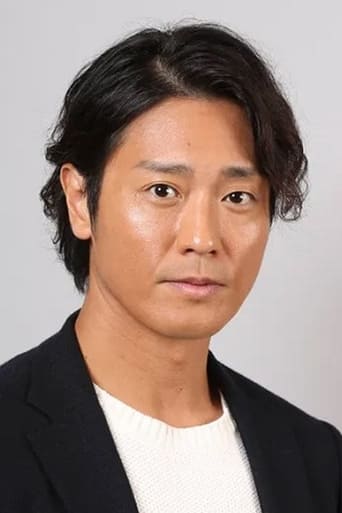


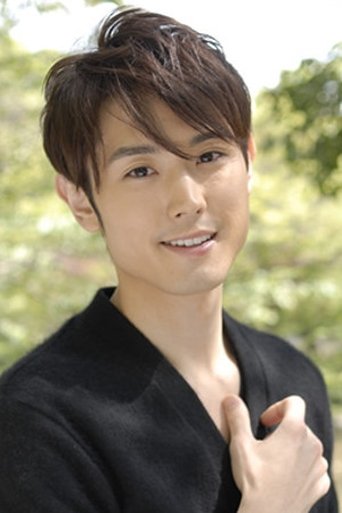
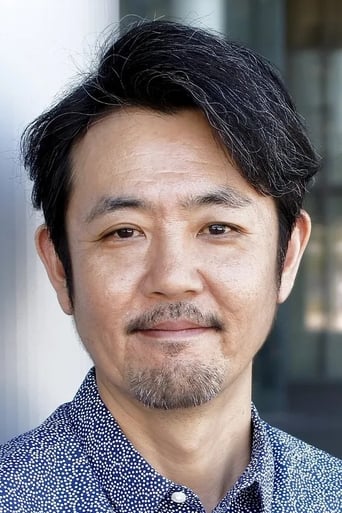

Інфо
 Японія
Відгуки
Відгуків поки нема
Перший допоможе іншим вирішити, чи варто дивитись.