Hole in the Wall (2008)
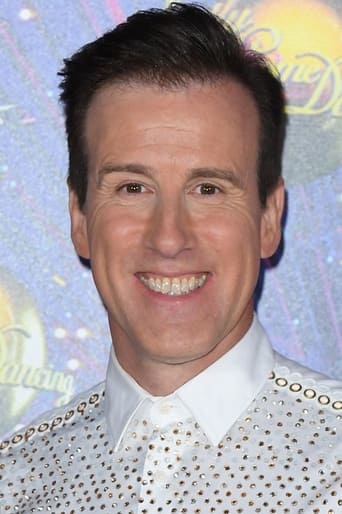
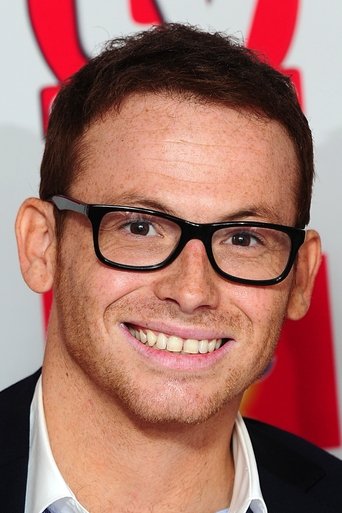
Hole in the Wall was a game show that aired on BBC One in the United Kingdom. This game was an adaptation of the Japanese game Brain Wall in which, players must contort themselves to fit through cutout holes of varying shapes in a large polystyrene wall moving towards them as they stand in front of a swimming pool. Each week, two teams of television personalities compete for £10,000 in prize money to be donated to their chosen charity. Dale Winton served as the original host while Strictly Come Dancing ballroom dancer Anton du Beke and former international cricketer Darren Gough were the team captains for the first series. Additionally, Jonathan Pearce comments on the replays and Peter Dickson provides the opening voice-over. The wall is activated by the presenter shouting Bring on the wall!. On 3 July 2008, the BBC announced that the show had been commissioned for BBC One. A second series was confirmed, with Anton du Beke giving up his captain role to take over from Dale Winton as host, and new team captains in the shape of former rugby player Austin Healey and actor Joe Swash. Anton du Beke has announced he may be a guest as well as hosting on the last show of the series.
Де дивитися
Онлайн поки ніде не знайшли.
В ролях






Інфо
 Велика Британія
Відгуки
Відгуків поки нема
Перший допоможе іншим вирішити, чи варто дивитись.