The Surreal Life: Fame Games (2007)
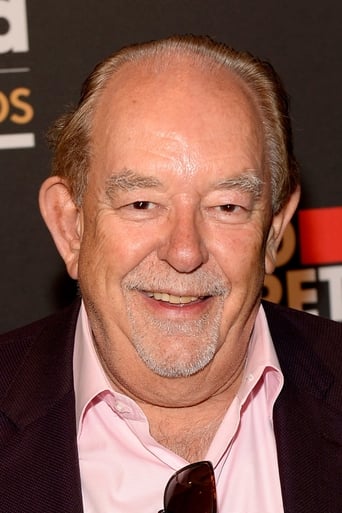
The Surreal Life: Fame Games is a reality television series that was originally broadcast on the VH1 cable network. A spin-off of the VH1 show, The Surreal Life, the show assembles ten alumni of the show's 6 prior seasons to compete in a ten-week competition that takes place in Las Vegas, with the winner taking home a prize of $100,000 provided by the online gaming site Golden Palace.net. Robin Leach is the host. The contestants also compete in a game show format elimination round in each episode called "Back to Reality" that sees the losers, in the first 3 weeks of the competition, sent to "the B-List" which consists of living in a less luxurious wing of the mansion than the rest of the housemates, who are designated as "the A-List". In the later weeks, when the teams are split evenly, they compete in team competitions where the losing team must send 3 members to play "Back to Reality" to eliminate one person from the competition entirely. The show featured a theme song titled "I Wanna Be Famous" recorded by cast member C.C. Deville from his solo album Samantha 7.
Де дивитися
Онлайн поки ніде не знайшли.
В ролях











Інфо
 Сполучені Штати
Відгуки
Відгуків поки нема
Перший допоможе іншим вирішити, чи варто дивитись.