The Politician's Wife (1995)
The Politician's Wife is a British television political drama written by Paula Milne, broadcast on Channel 4 in 1995 and starring Trevor Eve and Juliet Stevenson. The story centres around high-flying politician Duncan Matlock, Families Minister for the UK Government, who becomes embroiled in tabloid scandal as it is discovered that he has been having an affair with a former escort turned parliamentary researcher. Duncan's wife Flora becomes the focus of media attention as her reactions to the revelations are played out. Initially she plays out the part of the loyal wife, but as an aide of her husband feeds her details about the affair and various other political scandals that could be made to happen. She begins to sabotage her husband's integrity and reputation through a campaign of leaks and misinformation to the press and British Conservative Party stalwarts. After a series of increasingly sensational and damaging stories in the press, her husband is forced to resign in humiliation. The last episode closes with the results of the by-election being announced on TV. Flora Matlock wins with the support of her party whilst her husband is exiled to a minor post in Belgium.
Де дивитися
Онлайн поки ніде не знайшли.
В ролях




Інфо
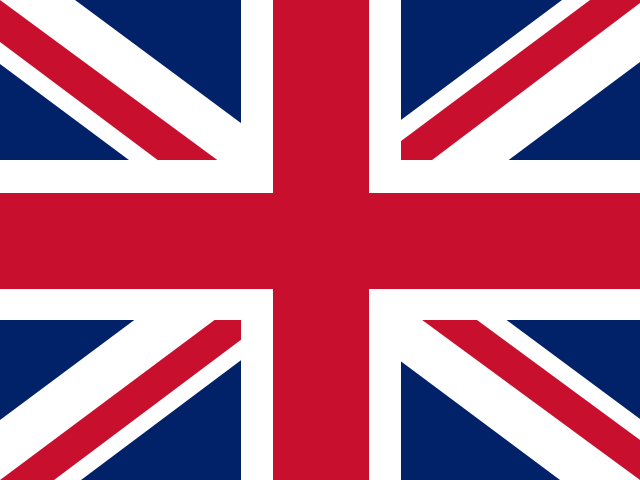 Велика Британія
Фото
Відео
Відгуки
Відгуків поки нема
Перший допоможе іншим вирішити, чи варто дивитись.