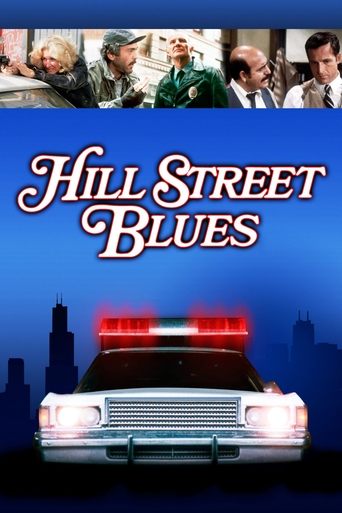
MacGruder and Loud (1985)
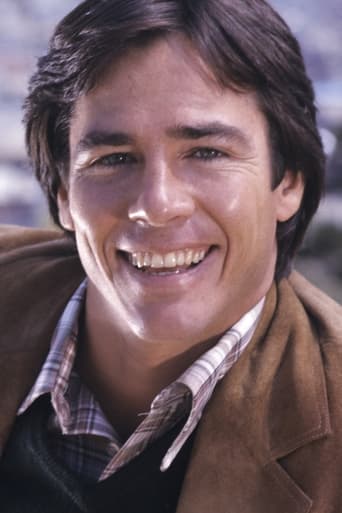
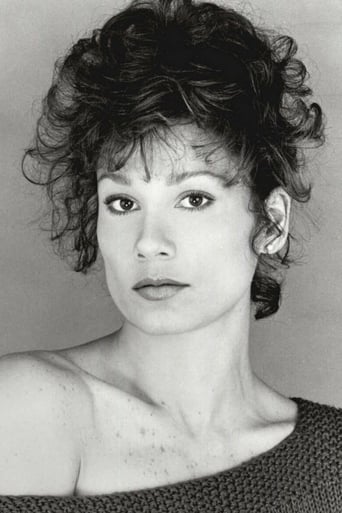
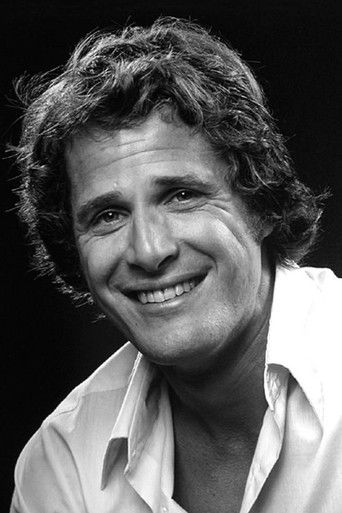
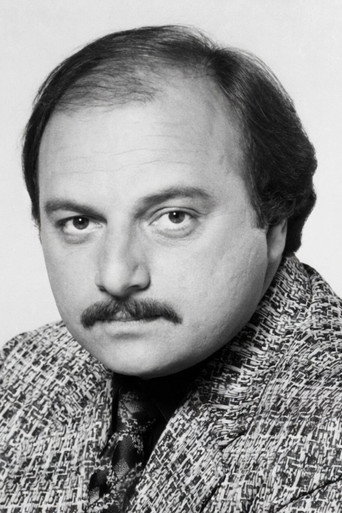
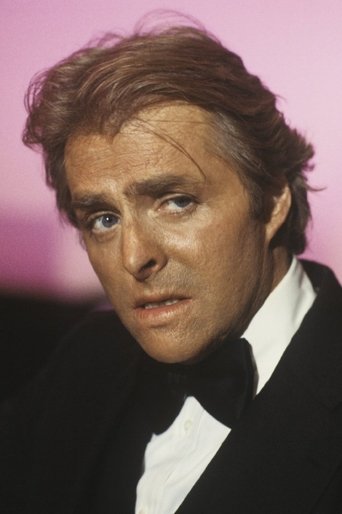
MacGruder and Loud is an American crime drama from Aaron Spelling Productions that aired on ABC in 1985. The series stars John Getz and Kathryn Harrold as married police officers Malcolm MacGruder and Jenny Loud in a Los Angeles Police Department-styled police agency. They fought a battle every day to keep it a closely guarded secret from their boss, Sgt. Hanson. Malcolm and Jenny lived in a duplex-type apartment complex where there was a secret door behind the grandfather clock in her apartment, where Malcolm could sneak in and enjoy her company. This was one of the few failures from Aaron Spelling's production company in its history, since it was picked by ABC to debut right after the Super Bowl in 1985 and was heavily promoted during the game. The promotion resulted in high ratings at first, but following a quick decline, the series was cancelled three months into its run, after ranking 40th out of 104 programs that aired that season with an average 15.76 household rating, according to TVTango.com. Because of the frequent commercials during the Super Bowl, the following night Johnny Carson ask rhetorically during his monologue on The Tonight Show: "Did you see that new show, 'Frequent and Loud'?"
Де дивитися
Онлайн поки ніде не знайшли.
В ролях












Інфо
 Сполучені Штати
Відгуки
Відгуків поки нема
Перший допоможе іншим вирішити, чи варто дивитись.