The Judy Garland Show (1963)
The Judy Garland Show is an American musical variety television series that aired on CBS on Sunday nights during the 1963-1964 television season. Despite a sometimes stormy relationship with Judy Garland, CBS had found success with several television specials featuring the star. Garland, who for years had been reluctant to commit to a weekly series, saw the show as her best chance to pull herself out of severe financial difficulties. Production difficulties beset the series almost from the beginning. The series had three different producers in the course of its 26 episodes and went through a number of other key personnel changes. With the change in producers also came changes to the show's format, which started as comedy/variety but switched to an almost purely concert format. While Garland herself was popular with critics, the initial variety format and her co-star, Jerry Van Dyke, were not. The show competed with Bonanza, then the fourth most popular program on television, and consistently performed poorly in the ratings. Although fans rallied in an attempt to save the show, CBS cancelled it after a single season. TV Guide included the series in their 2013 list of 60 shows that were "Cancelled Too Soon".
Де дивитися
Онлайн поки ніде не знайшли.
В ролях


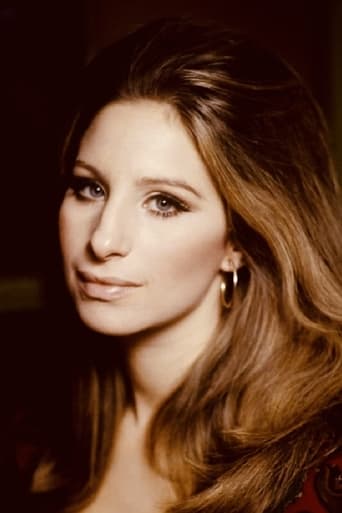


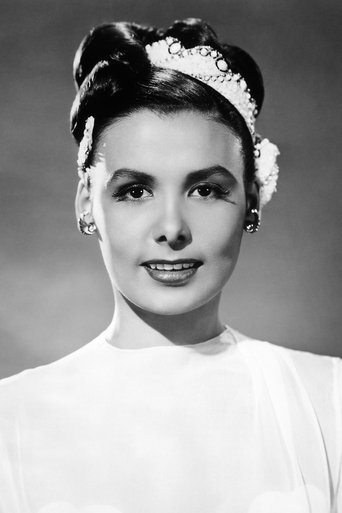
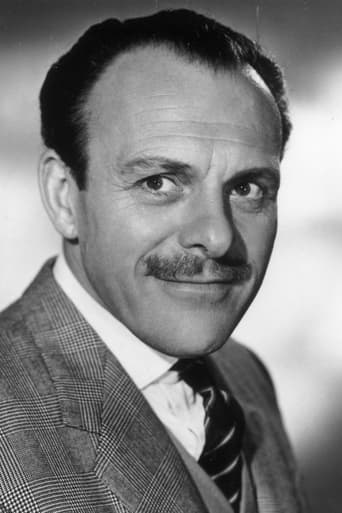
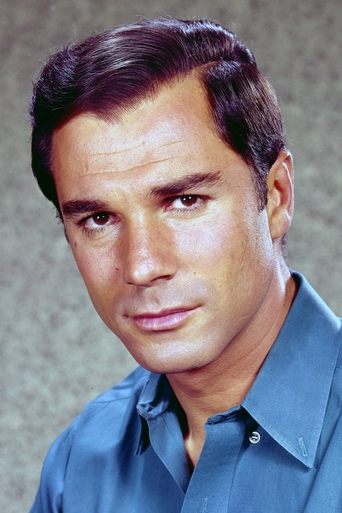



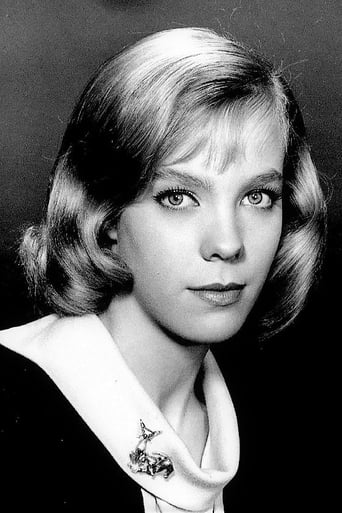

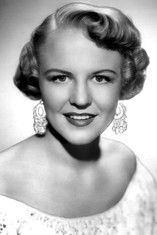
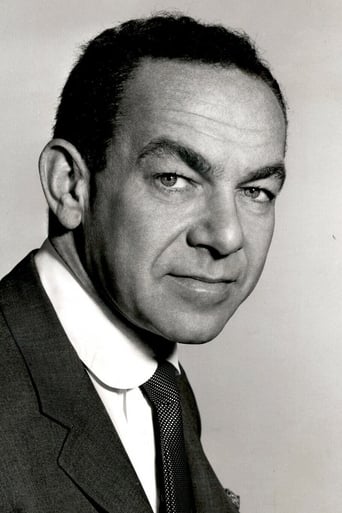
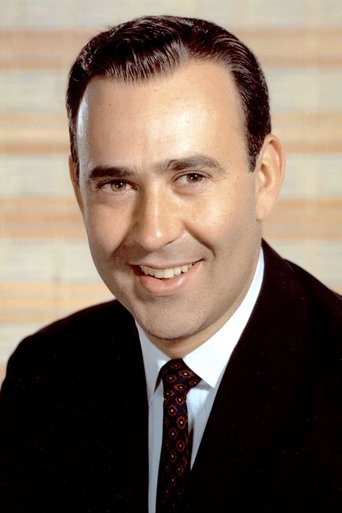

Інфо
 Сполучені Штати
Фото
Відгуки
Відгуків поки нема
Перший допоможе іншим вирішити, чи варто дивитись.