Pebble Mill at One (1972)
Pebble Mill at One was a popular British lunchtime magazine, broadcast live from Monday to Friday at 13:00, mainly on BBC1. It was transmitted from the Pebble Mill studios of BBC Birmingham, and uniquely, was hosted from the centre's main foyer area, rather than a conventional studio. In the beginning, visitors to the studios were seen arriving in the background as the programme was transmitted. Reasons for this were: a planned third studio was never constructed on the site, and existing facilities were fully booked for network drama production and local news. Gradually, as the show was successful, the foyer became a studio, and visitors had to use a new entrance. The show ran from 2 October 1972 to 23 May 1986, under various programme Editors including: Terry Dobson, Jim Dumighan, and Peter Hercombe.. For most of that period there were few television programmes transmitted in Britain on any channels during the day. For this reason the programme acquired a unique following from those who found themselves at home at lunchtime. Housewives, students, and those recovering from an illness remember it with fondness for its variety and the problems inherent with live television. Its best remembered theme tune was "As You Please" by the Raymond Lefevre orchestra.
Де дивитися
Онлайн поки ніде не знайшли.
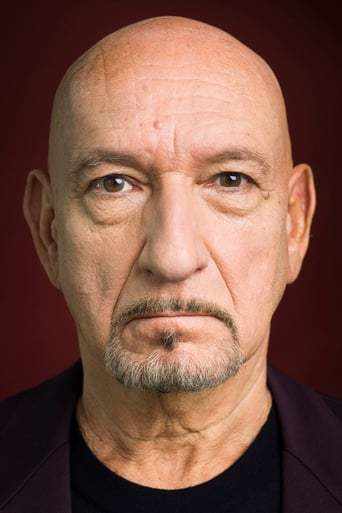
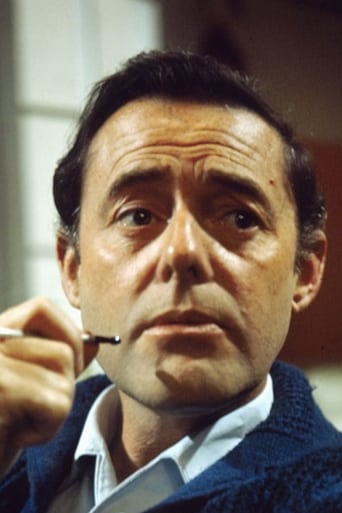
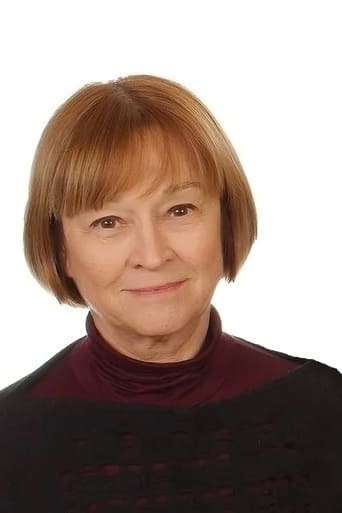
В ролях









Інфо
 Велика Британія
Відгуки
Відгуків поки нема
Перший допоможе іншим вирішити, чи варто дивитись.